
This is how you can add your own custom content at Woocommerce My Account on Dashboard only.
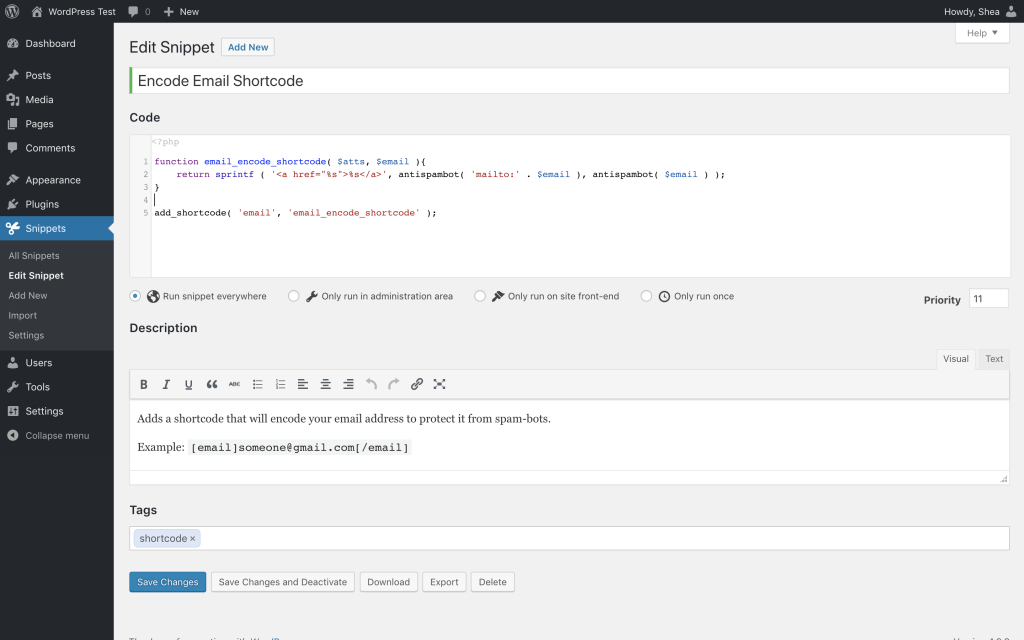
First, make sure you use child-theme functions.php or my custom functions plugins by Space X-Chimp (This plugin has been closed as of November 10, 2022 and is not available for download. Reason: Guideline Violation) code snippet plugin & paste these code:
// Add content at My Account Dashboard

add_action( 'woocommerce_account_dashboard', 'xhanxeli_dashboard_addition' );
function xhanxeli_dashboard_addition() {
echo '<p>YOUR CONTENT HERE...</p>';

}
You can replace xhanxeli to your own string (must unique string) such as my_dashboard_addition and make sure you changes all the xhanxeli to your new value.
Place your custom content (shortcode, html code etc) after echo ‘
That’s all!
Share or bookmark this link for future updates.
Sharing is Caring



skincare set by kak ell x tersenarai dlm list yg awak share..maknanya produk kak ell ni selamat utk digunakn la yea
lari tajuk ni 😀 tak tersenarai tak bermaksud selamat.